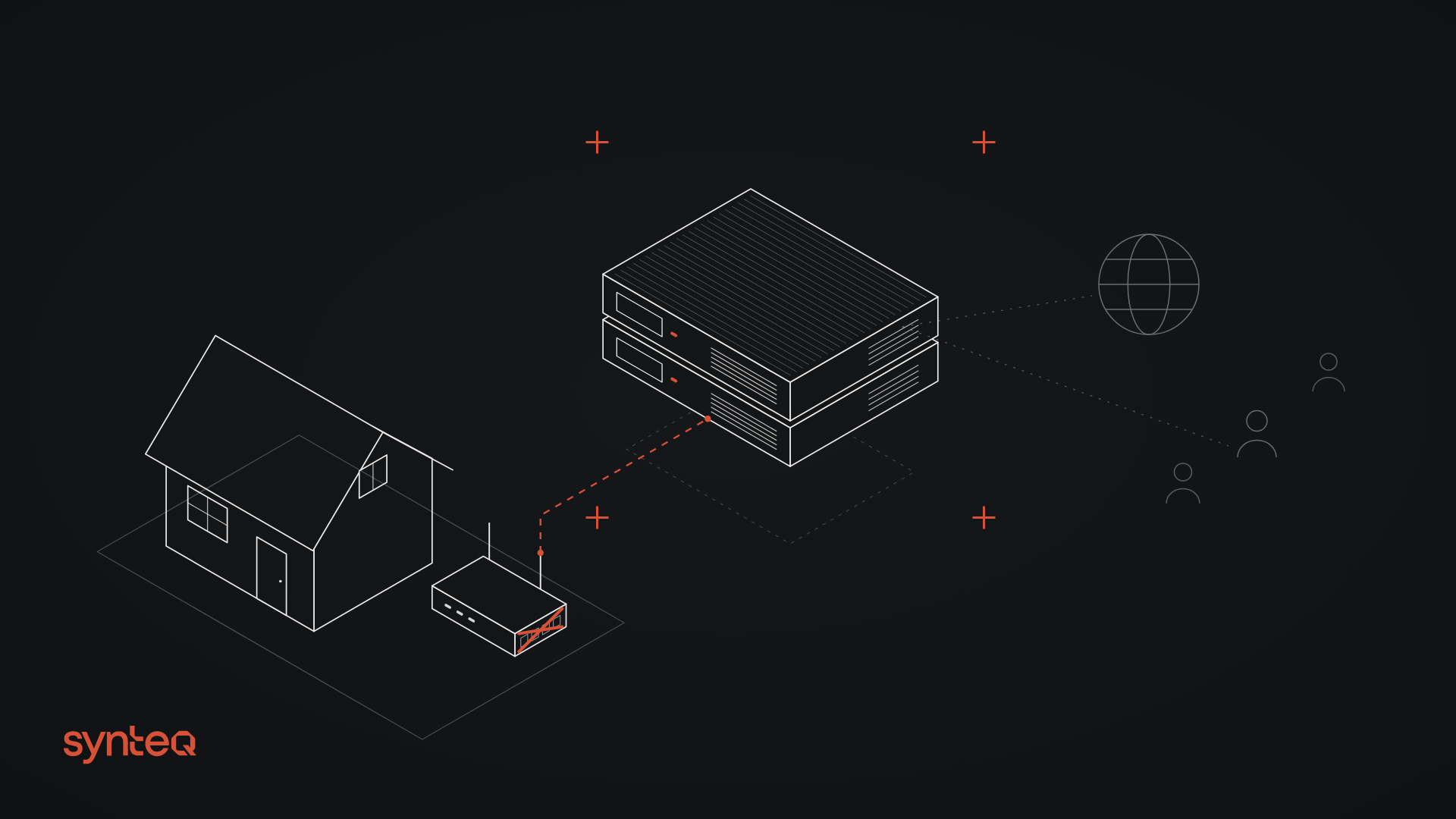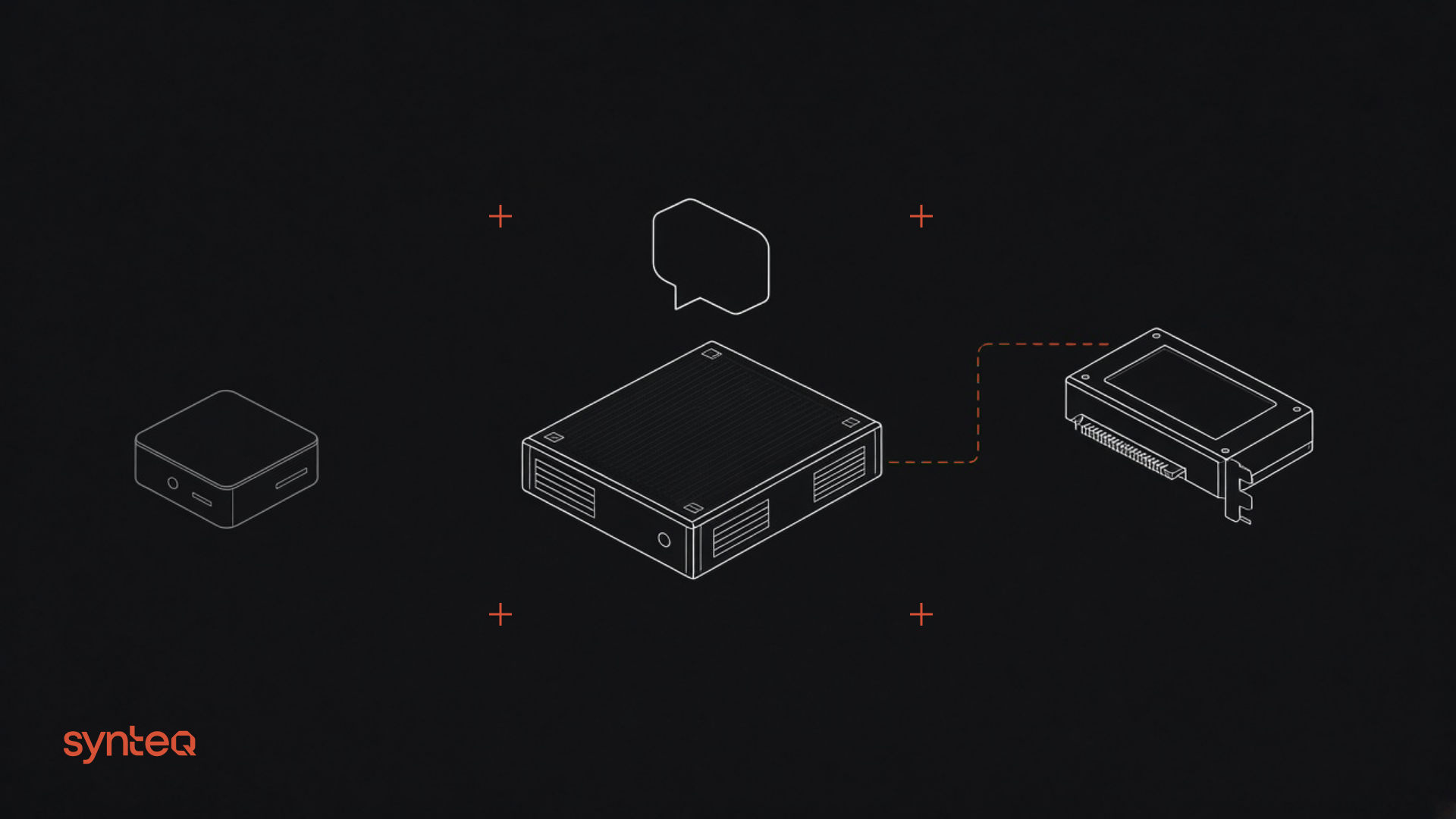
TL;DR: Synteq Apps and Serverless Functions are live today in Dallas (DFW). Apps deploy web services, APIs, and workers straight from source (GitHub, direct upload, or one CLI command) and serve them over HTTPS with zero-downtime rolling updates. Functions run Node.js and Python handlers on demand, triggered by HTTP or cron. Every app and every function invocation runs in its own Firecracker microVM, on the same hardware and network as your Synteq VPS, GPU servers, and block storage.
Our customers already run their heaviest workloads on Synteq: GPU training, bare metal, VPS fleets, and petabytes of block storage. Yet a place to run everything around those workloads (the API in front of the model, the webhook handler, or the nightly job) without standing up and patching another server was a repeated ask. Apps and Functions are that place, and they're the first step in our expansion into developer tools and platform services.
What are Synteq Apps?
Synteq Apps is managed application hosting for web services, APIs, and workers. The platform detects your application's language, builds the image, deploys it, and serves it over HTTPS on a Synteq subdomain or your own domain.
There are three ways to deploy a Synteq app:
- GitHub: connect a repository and deploy on push.
- Direct upload: send the source and let us build it.
- CLI: one command from your project directory.
If your repo has a Dockerfile, the platform will use it. Otherwise, your stack is detected and built for you.
What you get on every app
- Dedicated resources. Each app runs in its own isolated microVM with dedicated CPU, memory, and network. No noisy neighbors.
- Safe deploys. Readiness checks gate every rollout, updates roll with zero downtime, and rollback is one command.
- Built-in plumbing. Custom domains, automatic HTTPS, and first-class secrets come standard. You don't bolt them on.
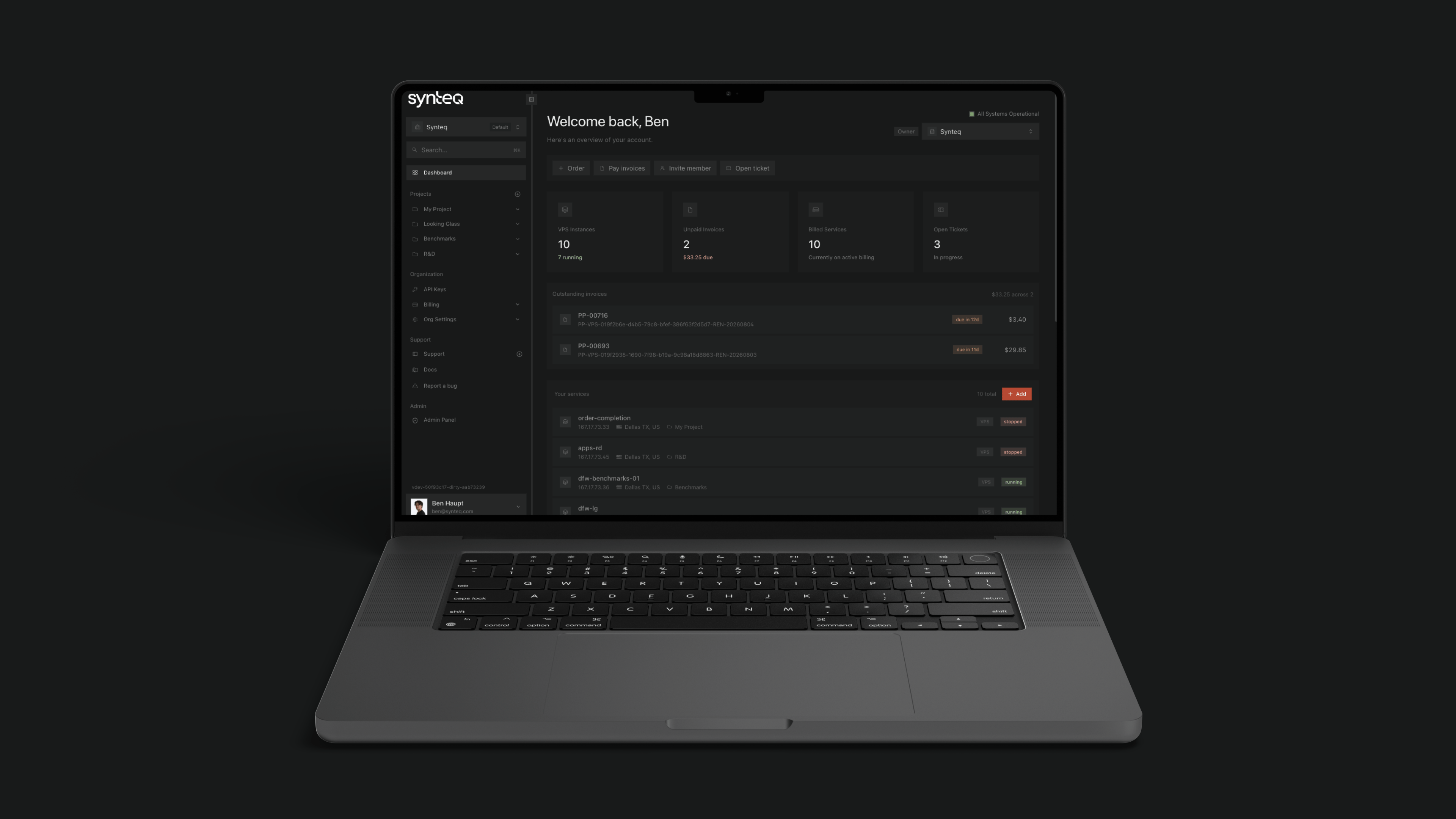
- Observability in the console. Live logs, per-replica metrics, and request data sit in Synteq Cloud next to the rest of your infrastructure.
- Budget-bound autoscaling. Apps scale with demand up to a spending limit you set, so a traffic spike can't become a billing incident.
What are Synteq Serverless Functions?
Synteq Serverless Functions run individual handlers on demand, with no server to provision or keep running.
- Runtimes: Node.js and Python.
- Triggers: HTTP or cron.
- Deploy from: the web editor, the CLI, or GitHub.
- Isolation: Each invocation is isolated in its own microVM.
Functions are the right fit for the small, spiky work every team accumulates: scheduled jobs, inbound webhooks, glue between services, and automation that runs a few times an hour and shouldn't need a VM sitting idle the rest of the time.
Why every invocation gets its own microVM
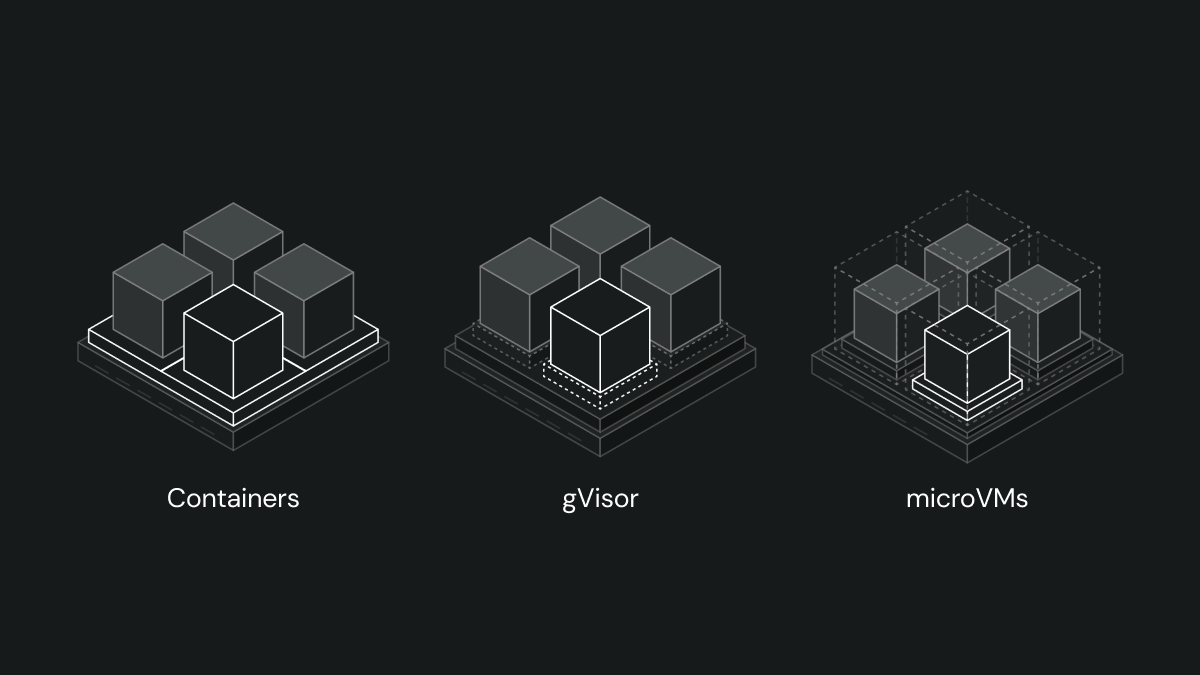
Most serverless and container platforms share a kernel between tenants and lean on namespaces and seccomp profiles to keep workloads apart. That works until it doesn't, and when it doesn't, the blast radius is everyone on the host.
We took the stricter route. Every app and every function invocation runs in its own Firecracker microVM: the same hardware-virtualization boundary used for multi-tenant serverless at the largest scale, with its own kernel and no shared surface with the tenant next door. You get the isolation of a VM with the deploy experience of a PaaS. We recently wrote a blog covering our approach to microVMs, containerization, and the tradeoffs in detail in Firecracker vs. gVisor: why we chose microVMs.
Why run your app layer on Synteq?
Apps and Functions run on the same hardware and the same network (AS400304) as Synteq VPS, GPU servers, and block storage. Your application layer can sit in the same location as the infrastructure it depends on, instead of a different provider's region several network hops away.
It's also one control plane. Apps and Functions are managed from the same API, CLI, and Synteq Cloud console you already use for GPU servers, virtual machines, and block storage.
What's next
This launch is only step one in our DevTools and PaaS expansion. In the coming months we're adding Virtual Private Clouds (VPCs), floating IPs, load balancers, API gateways, reverse proxies, and cloud firewalls to the platform. VPC support will let Apps and Functions talk privately to your existing Synteq servers and storage, so your database never has to face the public internet. Apps will also gain SSO and password protection for preview environments.
Get started
Apps and Functions are available today. Sign in to Synteq Cloud, or install the CLI and run from your project directory. To learn even more, check out our apps, and functions product documentation.
Frequently Asked Questions
Synteq Apps is a managed platform for deploying web services, APIs, and workers from source. Synteq builds your code, runs it in an isolated Firecracker microVM, and serves it over HTTPS with custom domains, secrets, logs, and zero-downtime deploys included.
Functions support Node.js and Python, and can be triggered over HTTP or on a cron schedule.
Yes. If your repository includes a Dockerfile, Synteq builds from it; otherwise the platform detects your language and builds the image automatically.
Every app and every function invocation runs in its own Firecracker microVM with its own kernel, so there's no shared kernel between tenants, unlike the approach many Apps providers take.
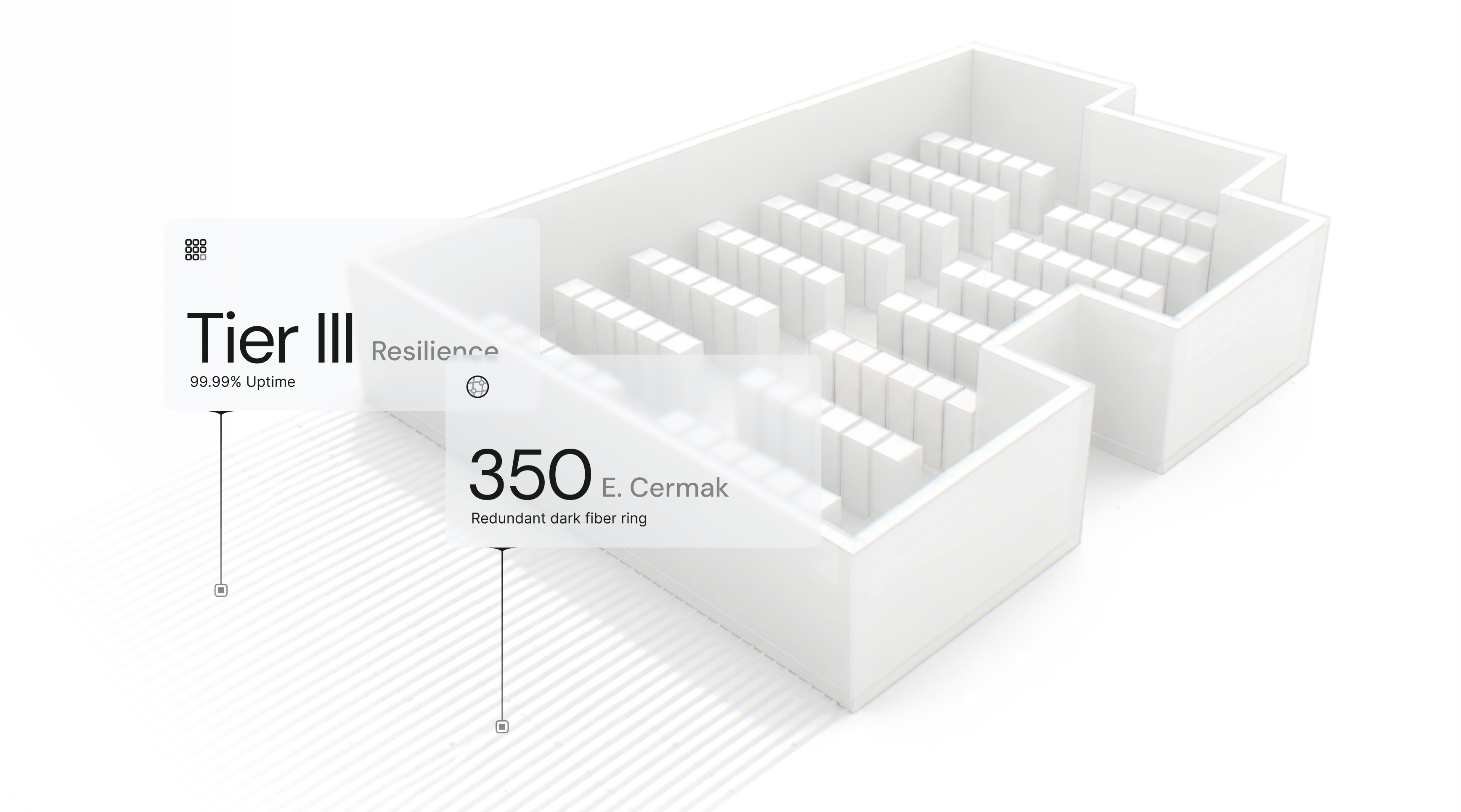
Both launch in Dallas (DFW) and Chicago (CHI), on the same infrastructure and network as Synteq VPS, GPU servers, and block storage.
Apps scale with demand up to a spending limit you set. When an app reaches that limit, it stops scaling out instead of running up your bill.